BDM3d London · Phone and email · Also: Dubai Tokyo Seoul Miami New York Mumbai Ho Chi Minh City Montréal Lima Shanghai Toronto · Canada
BDM3dStudios
Sign in Start a project
Interactive

Your whole project, on any screen.

A web tour lets buyers pick a building, a floor and a home, see what's available, walk it in 360 and register, on a phone at midnight or on a laptop with their family.

Start a projectBook a 20-minute call
Features

What it does.

  • ✓Availability: colour-coded, from your live inventory.
  • ✓Floor plans: every plan type, with the homes that match it.
  • ✓Gallery: approved stills and films, always the current set.
  • ✓360 views: stand in the kitchen and on the balcony.
  • ✓Registration: leads land in your list with what they viewed.
  • ✓AI Assist: answers buyer questions from your approved project information.
  • ✓Share links: agents send a link to a specific home.
The problem

Buyers decide at home, not in the sales centre

"I spent an hour on the website and still couldn't tell which two-bedrooms face the water, or whether any are left." That is the buyer. Your sales team says it another way: "We answer the same questions all day, and by the time someone registers they've half decided on another project." Both are describing the same gap.

Most buyers now decide in the evening, on a phone or a laptop, with a partner looking over their shoulder. A brochure site with a PDF price list shows the location and a few hero images. It doesn't say what is left, what fits them, or how the kitchen feels. So they call with basic questions, or they drift.

A good tour answers three questions in order: where is it, what is left that fits me, and what will it be like to live there. Most presale sites answer the first well and the third with a handful of stills. The second, availability, is the one that turns a visitor into a lead, which is why it sits at the centre of every tour we build.
Who uses it

Who opens the tour, and what they need from it

Buyers use it to shortlist. They move from the site to a building, a floor and a home, filter by plan type, stand inside in 360 and send a link for a second opinion. It runs in the browser, with nothing to install.

Your sales team and brokers use it to present and to follow up. An agent can send a link that opens on one specific home, walk a buyer through it on a video call, or run the same experience on the screens in the sales centre. See sales galleries for the in-person side.

Marketing uses it as the place every campaign points to. An ad that lands on a tour can turn interest into a registration; an ad that lands on a static page mostly can't. The developer uses the registrations to see which homes and plan types are drawing interest, early enough to act on it.

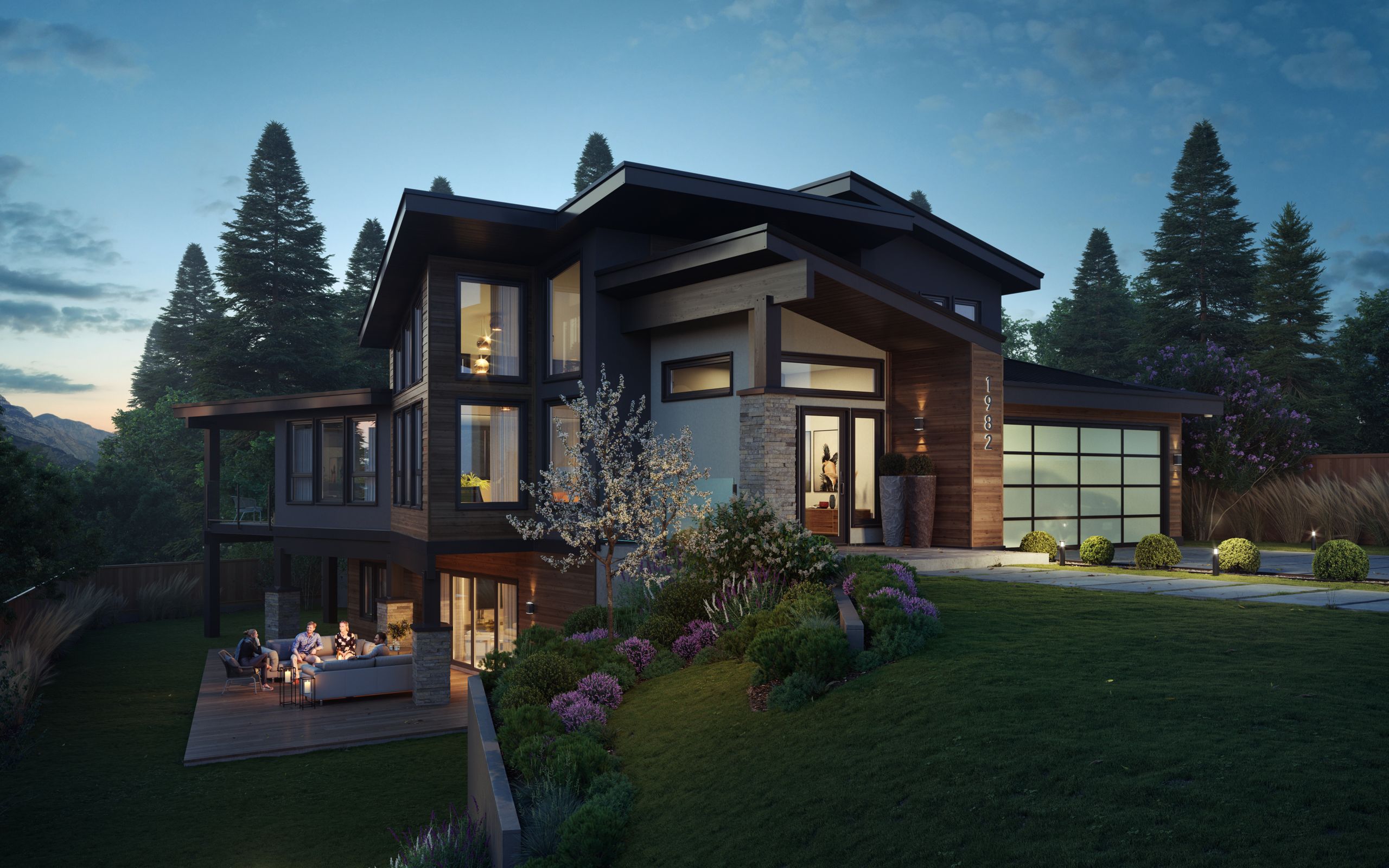
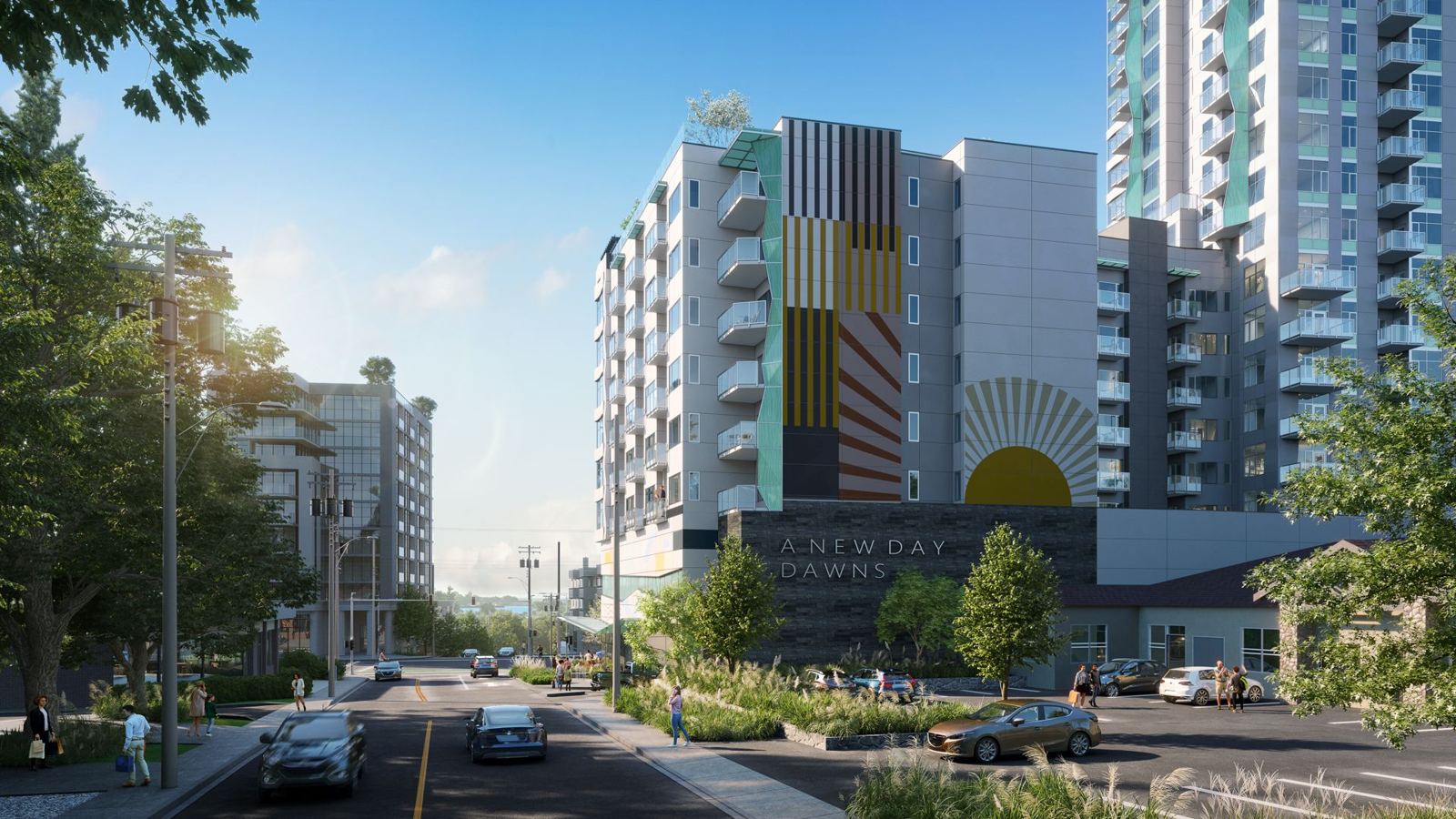
Every tour is built from the same 3D scene as your renderings. Nothing is redrawn, so the building in the tour is the building in the drawings.

Day to day

How a tour runs, from launch to the last home

01

Build from the approved scene

Once the design and finishes are approved, we assemble the tour from the model you already reviewed: site, buildings, floors, plan types and 360 views. You review it in StudioLink like any other deliverable.

02

Connect the inventory

Availability comes from one inventory source, so every screen shows the same status. We scope the connection to the system you already keep with your project. Direct Spark and Avesdo sync is coming as part of SalesLink.

03

Launch on your domain

The tour goes live on your own domain or embedded in your project website. Share links let agents send a buyer straight to a single home.

04

Update, don't rebuild

When a home sells or a new gallery set is approved, the tour shows it. A new phase is added to the same tour, so the links and traffic you built for phase one keep working.

05

Call with context

Each registration arrives with the homes the buyer looked at. Your agent's first call can start where the buyer left off.

What gets in the way

Where presale tours usually fail, and the fix

What it costs

The website says available. It sold on Tuesday.

A buyer picks a home, books an appointment and learns at the door that it's gone. You lose their trust and often the buyer.

How it’s solved

The tour reads from one inventory, so the website, the sales-centre screens and the agents see the same status.

More →
What it costs

Registrations with no context

A form that captures a name and an email tells your agent nothing. The first call is spent working out what the buyer wants.

How it’s solved

Registrations land in your list tagged with the homes the buyer viewed.

More →
What it costs

The tour shows an old design

The architect revised the balconies in round three, but the tour still shows round two. A buyer notices, or relies on it.

How it’s solved

The tour's gallery draws on the approved set in StudioLink. When a new version is approved, it replaces the old one everywhere it's used.

More →
What it costs

A new vendor for every phase

Phase two often means a new tour, a new URL and starting the audience over.

How it’s solved

Phases are added to the same scene and the same tour.

What it costs

The same five questions, all day

Parking, storage, completion timing, what's included. Your team answers them by phone again and again.

How it’s solved

AI Assist answers buyer questions inside the tour from the approved project information you give it. Keep that information current and the answers stay current.

The people next to you

One tour, many hands

RoleThey need from youYou need from themOn one record

Architect

They need from you

Confidence that the tour shows the approved design, not an earlier round.

You need from them

Final plans, plan types and any late revisions before launch.

On one record

The tour comes from the same model the architect reviewed in StudioLink, with every version kept.

Interior designer

They need from you

Their finishes and scheme options shown accurately in the 360s.

You need from them

The finish schedule and the scheme names buyers will see.

On one record

Finishes are marked up on the image in StudioLink before any 360 is released.

Sales team and brokers

They need from you

Current status and a link to a single home.

You need from them

Status changes the moment a home is held or sold.

On one record

One inventory feeds the tour and the sales centre, so nobody reads status off last week's spreadsheet.

Keep reading

Questions

Does it need an app?+

No. It runs in the browser.

Can it go on our own website?+

Yes, on your domain or embedded.

How long does it take to build an interactive presale tour?+

It depends on how final the design is, how many buildings and plan types there are, and whether the 3D scene already exists. If we made your renderings, the scene is already built. You see the dates in the scope before we start.

Can the tour go on our own website?+

Yes. It can run on your domain or be embedded in your project website.

What do we need to provide for a presale tour?+

Approved plans, a unit list with plan type and floor for each home, the finish schedule, and the project information you want AI Assist to answer from. We flag anything missing before we build.

Who updates availability in the tour?+

Your sales team, in one place. The tour and the sales-centre screens read the same inventory.

Can the tour connect to Spark or Avesdo?+

Direct Spark and Avesdo sync is coming as part of SalesLink. Today we scope a connection to the inventory you already keep, with your project. Tell us what you run.

What drives the cost of an interactive tour?+

The number of buildings and plan types, how many 360 views you want, whether the 3D scene exists, and how inventory connects. Every tour is scoped to the project. See what drives rendering cost.

Is a tour better than a film or stills?+

They do different jobs. Stills and film sell the feeling; a tour sells the specific home. Most launches use all three. Our guide on stills, film, 360 or interactive walks through the choice.

Panoramic twilight rendering of a new community

Concept to keys, and beyond.

Tell us where your project is. We'll tell you what it needs, and show you the scope before we start.

Start a project Book a 20-minute call